

Keyboard and Mouse Combo,2.4G Wireless 79 Cute Round Keys Small Keyboards Silent and 1600 DPI Optical Mice Set (Yellow)
Product details
| Management number | 217033734 | Release Date | 2026/04/19 | List Price | $12.00 | Model Number | 217033734 | ||
|---|---|---|---|---|---|---|---|---|---|
| Category | |||||||||
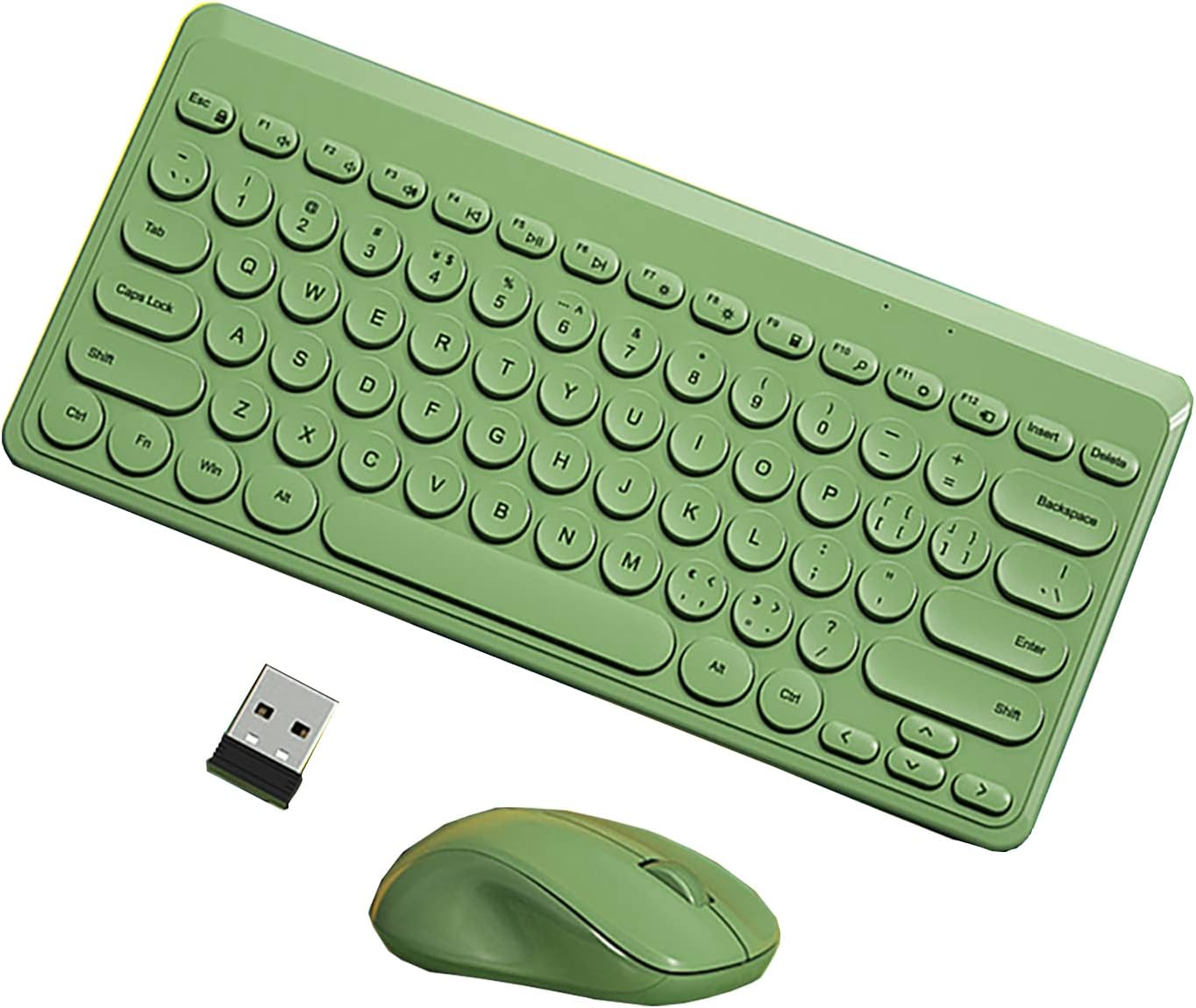
Specification: Item Name: Purple Keyboard Mouse combo Connection Method: 2.4G Wireless Material: ABS Interface: USB Transmission Distance: 10m/33ft Operation Voltage:5V Operation Current:<20mA Service Time: ≥10 Millions Strikes Battery: 1 AA for Keyboard and 1 AAA for Mouse(Not include) Optical Resolution: 1600 DPI Number of Keys: 79 Hotkeys:13 Mouse botton: 4 keys Keyboard Size: 309mm x 146mm x 29mm/12.2" x 5.8" x 0.9" (Approx.) Mouse Size: 101mm x 75mm x 34mm/2.4" x 4.2" x 1.5" (Approx.) Package Includes: 1 x Wireless Keyboard 1 x Wireless Mouse 1 x USB Receiver (stored in the back of the mouse) 1 x User Manual How to use: 1: Put 1 AA and 1 AAA battery respectively in keyboard and mouse; 2: Take out the USB receiver from the mouse,plug it into computer port; 3: Turn the switches to power on (on the back of the mouse),then you can use both mouse and keyboard. How to re-paring if the the mouse keyboard combo can not work: -Keyboard: 1.Put batteries into keyboard, press and hold “ESC” plus “+”, indicator starts flashing and enter into paring mode 2.Plug USB receiver into your device. Indicator stays on for 3 seconds and pairing completed -Mouse: 1.Put battery into mouse, switch power button on, press and hold Left, Middle, Right buttons for 5 seconds 2.Plug USB receiver into your device. Paring is completed
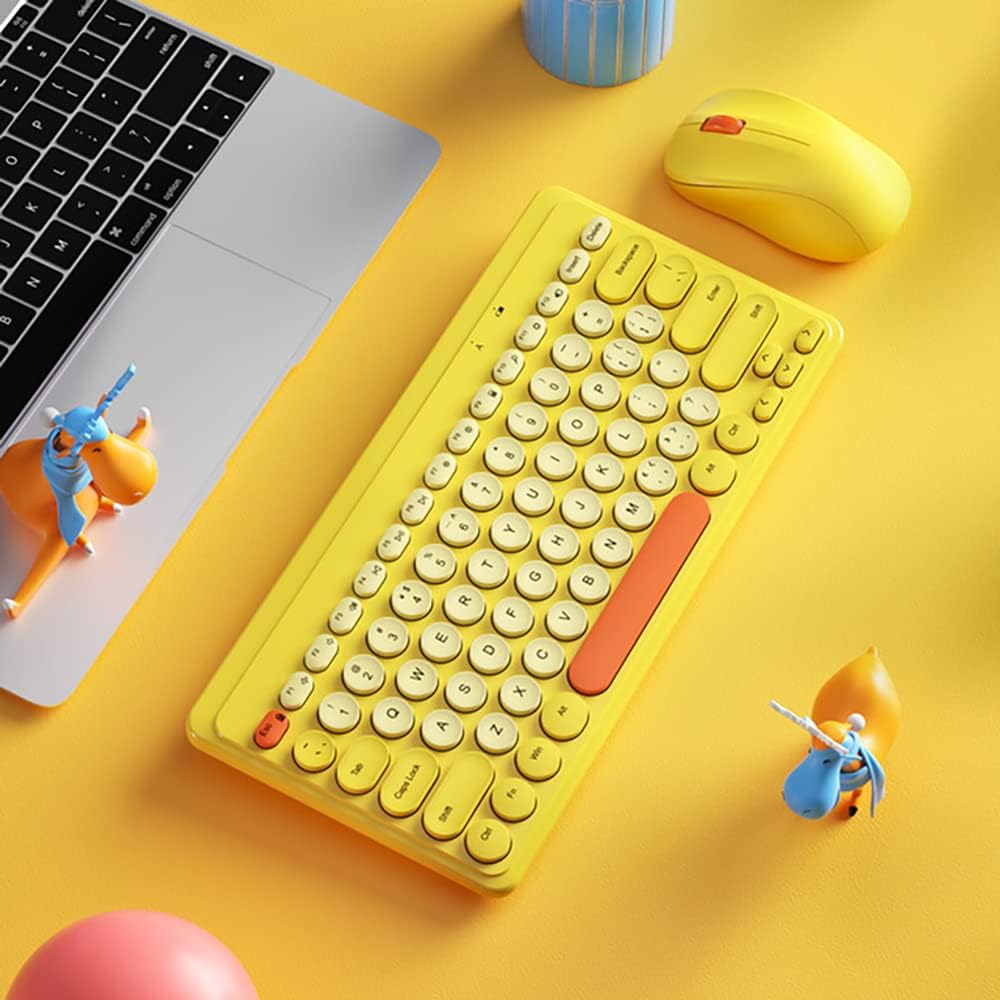
- Cute and functional keyboard: Fairy color design,brightens your mood during long work and refreshes your workspace. Meanwhile,the keycaps of this purple wireless keyboard are designed of round retro style,which has comfortable hand feeling.And the concave keycaps design brings you realistic laptop handfeeling
- Ergonomic quiet keyboard and mouse: The bottom of the 79 key keyboard have two stands,which is used to relief your hand fatigue and give you a clearer view to type,allowing you to maintain the best position during use.The typing is noiseless and smooth, providing a quiet environment for you in office,meeting,school library
- Wireless keyboard with multi-function shortcuts: The cordless keyboard has 13 convenient hotkeys,you can easily use Fn+(ESC-F12 )to operate your pc,make entertainment more convenient.79-key layout space-saving design make your desk more clear
- Auto sleep mode,power saving: The cute keyboard and mouse combo powered by 2 batteries (1 AAA for keyboard and 1 AA for mouse,batteries not include) can be used for 6 weeks; The combo will auto go to sleep when the battery is stationary for 10-15 minutes to save power,click any button can wake it up
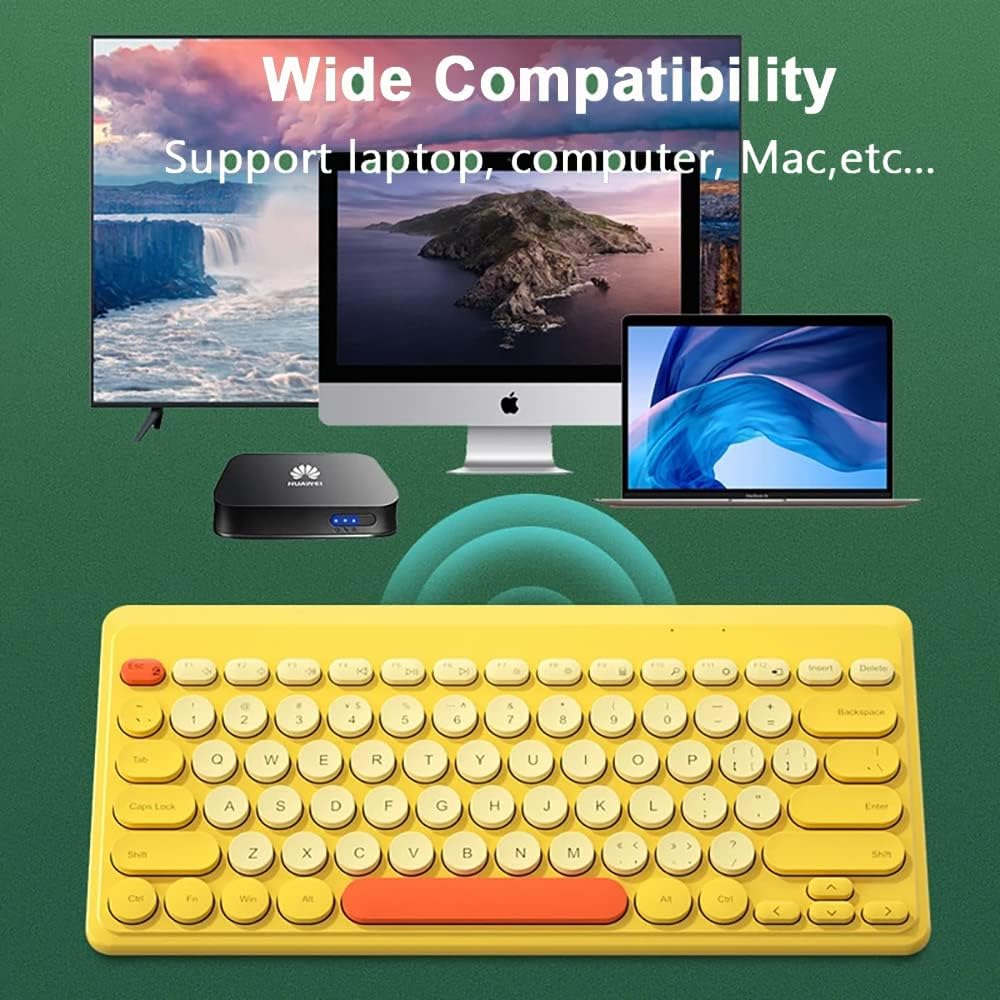
- 2.4G USB wireless technology with wide compatibility: The mouse keyboard combo share a usb receiver,provide a stable wireless connection up to 10m/33ft,plug and play,universally compatible with Windows 2000/ XP/Vista/7/8/10,and Mac. Easy to set up with your PC desktop/Computer/Laptop
| Brand | Soseelnee |
|---|---|
| Color | Yellow |
| Item Weight | 0.56 Kilograms |
| Manufacturer | Soseelnee |
| Power Source | Battery Powered |
| Number of Keys | 79 |
| Keyboard Layout | QWERTY |
| Hand Orientation | Ambidextrous |
| Operating System | Windows 2000 |
| Compatible Devices | Laptop, Personal Computer |
| Keyboard Description | Indoor |
| Warranty Description | 1 year |
| Are Batteries Required | Yes |
| Connectivity Technology | Radio Frequency, Usb |
| Other Special Features of the Product | Round Key |




Bestseller ranking
Sake & Rice Spirits


Customers who viewed this product also viewed
Decorative Fences


Correction of product information
If you notice any omissions or errors in the product information on this page, please use the correction request form below.
Correction Request Form