
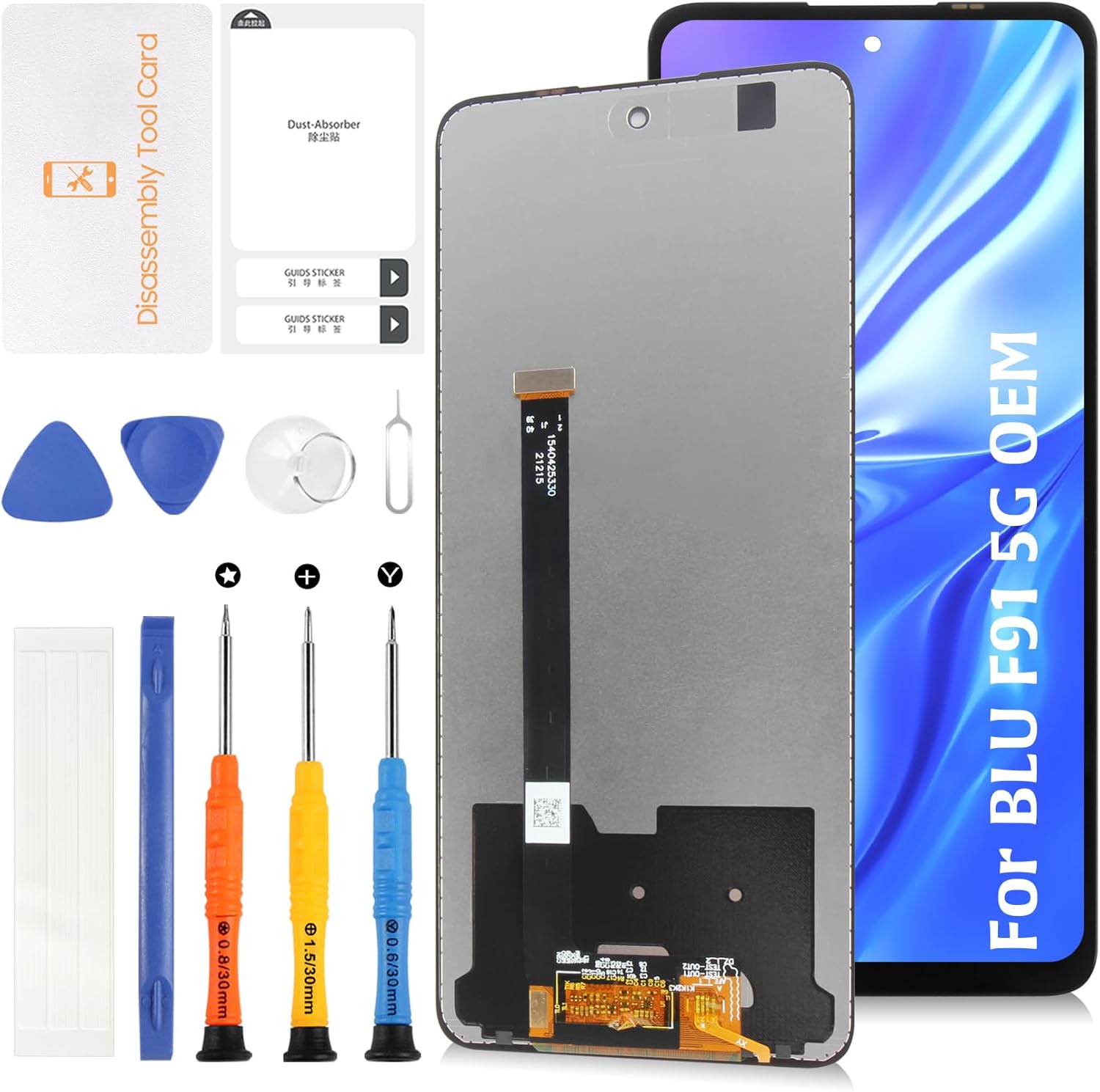
Original for BLU F91 5G 6.8" LCD Screen Replacement V0650WW LCD Display Touch Digitizer Screen Assembly with Repair Tools
Product details
| Management number | 212413330 | Release Date | 2026/04/06 | List Price | $12.98 | Model Number | 212413330 | ||
|---|---|---|---|---|---|---|---|---|---|
| Category | |||||||||
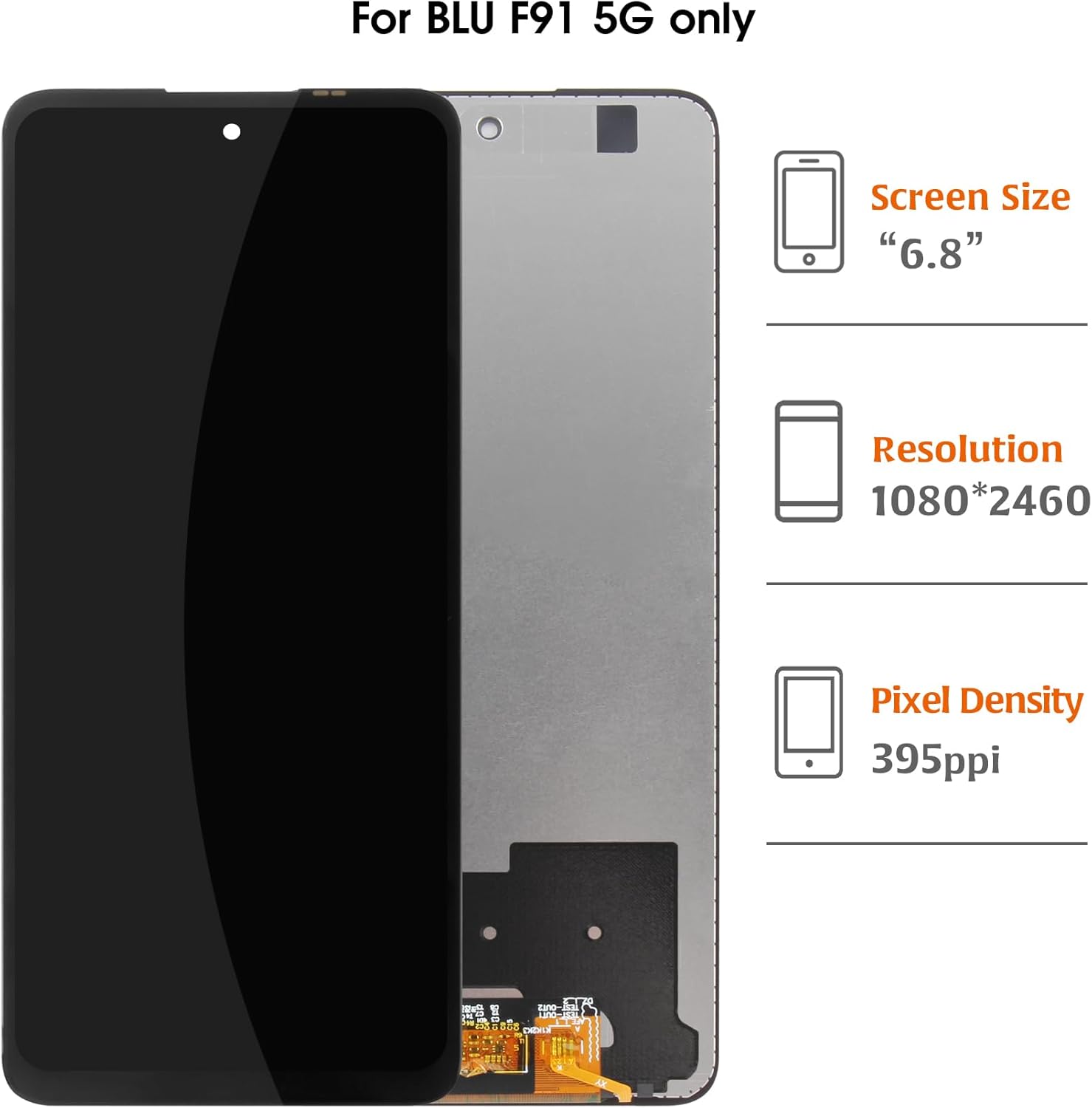
For BLU F91 5G 6.8inch original Lcd Display Screen Replacement.Model:V0650WW Using original LCD material, it matches the factory quality with outstanding color accuracy, brightness, and durability. Ideal for fixing cracked or unresponsive screens, this replacement will restore your device’s performance and aesthetics. ⚠️ Note: This replacement screen is frame-free, meaning it only includes the LCD panel. It’s recommended for those who are comfortable transferring the existing frame or seeking professional assistance. Installation without a frame requires careful handling to avoid potential damage. ♦Friendly Reminder: 🔹Product does not include a manual. Kindly refer to installation tutorials on YouTube. 🔸Ensure to diagnose whether your phone's malfunction is due to the LCD or touch panel before making a purchase. 🔹Installation requires specific skills and tools.For personal use or non-professionals, please proceed with caution. It is advisable to seek professional service.We do not assume responsibility for any damage resulting from the installation. 🔸While our provided tools are versatile and compatible with most phones, we cannot guarantee compatibility with all models. 🔹Dealing with issues post-installation can be challenging; hence, please test the product upon receipt. 🔸Handle the LCD with care, as it is fragile. Inadvertent breakage may result in glass fragments that could cause injury. Take appropriate safety measures. 🛠🛠Simulation Test: 1️⃣During testing, do not remove any protective films or labels. 2️⃣Pay attention to static electricity issues. Ground yourself using an ESD (Electrostatic Discharge) wrist strap to prevent damage from static electricity. ⚠3️⃣After removing the old screen, the first step is to remove the flexible cable clamp between the battery and the device motherboard. Disconnect the power supply connecting the screen flex cable. After connecting the flex cable of the new screen, the final step is to install the flexible cable clamp of the battery. It is important not to reverse this sequence. 4️⃣Then, connect the charging cable, turn on the phone power, and check if the screen is working properly.5️⃣If abnormalities are observed, please contact us promptly with attached video or photos. Do not force installation. 📞📞After-sales Support We offer a replacement policy for product damage not caused by user error. We do not accept responsibility for any damages or malfunctions resulting from incorrect installation work. Kindly use the product at your own discretion. For broken, damaged, or missing items upon receipt, please capture photos and reach out to us. If you require further assistance, please email our service team. 📦 Package Contents: 1x Original Screen Replacement Assembly for BLU F91 5G 6.8 inch 1x triangular pry tool, 1x screwdriver set, 1x flat-dual-ended pry bar, 1x twin-sided tape, 1x dust removal sticker for BLU F91 lcd,for BLU F91 screen replacement,pantalla for BLU F91,pantalla para for BLU F91,for BLU F91 lcd screen replacement,for BLU F91 display,for BLU F91 replacement screen,lcd screen for BLU F91,for BLU F91 assembly,screen replacement for BLU F91,for BLU F91 screen digitizer,display for BLU F91,lcd for BLU F91,screen assembly for BLU F91 5G,for BLU F91 lcd display,replacement screen for for BLU F91,lcd display for BLU F91,for BLU F91 lcd replacement,for BLU F91 lcd display,replacement screen for for BLU F91 💬Q&A Section: Q: Is this an original BLU F91 5G screen replacement? A: Yes, this screen uses original LCD material, restoring the same clarity, brightness, and color quality as the original display. Q: Can I install this myself? A: While it’s possible to install yourself, we recommend professional installation to ensure the screen is properly fitted without damaging other components. Q: Does the screen support all functionalities of the original display? A: Yes, this original replacement retains all original functionalities such as touch sensitivity and display clarity. Q: What should I do if the screen doesn’t work after installation? A: Double-check the connections and ensure the screen is properly aligned with the device. If issues persist, contact customer support for assistance.
- 🎯【Compatible Models】For BLU F91 5G (Model: V0650WW). Please compare the model number. 🔸Repair broken screens,heal liquid crystal ruptures,dead point pixels,touch inactivity,touch response problems,display problems,false color problems,non-functional screens,etc.Please be sure to check whether your phone's malfunction is caused by the LCD or the touch panel before purchase.
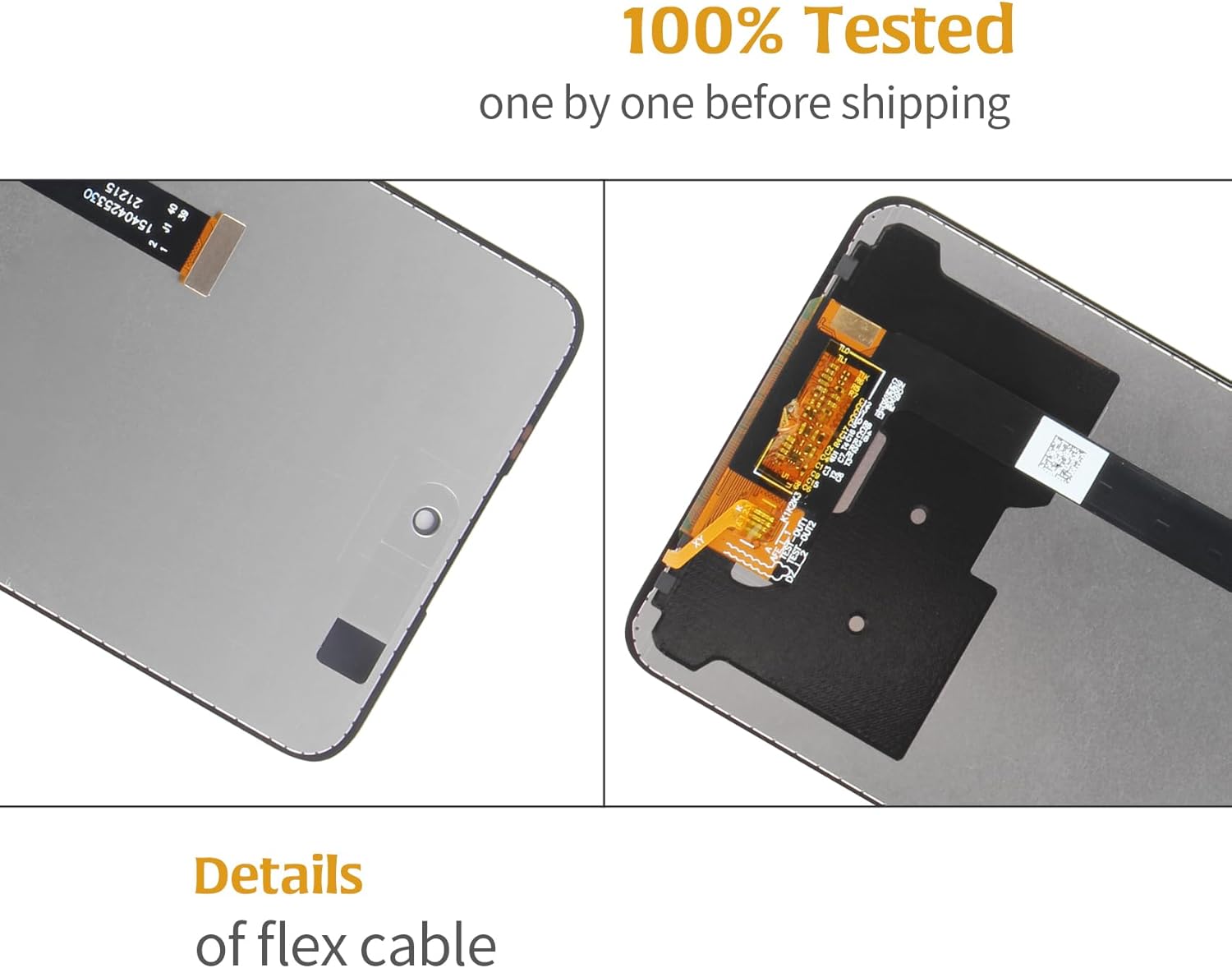
- 🧩【Original Material Quality】All Olivechard products undergo rigorous quality inspections to ensure their condition.Lcd for BLU F91 5G is a fragile object,please be careful when wrenching,if inadvertently broken,glass fragments may also scratch your hands,please take protective measures.🔸It is difficult to deal with problems after installation,please test the product after receive it.
- 🎯【Package Details】1 x Touch screen Lcd display for BLU F91 5G,1 x necessary tools (screwdriver set, pry bars, double-sided tape, dust removal sticker). No frame included.🔸Please test the screen upon receipt to address any issues before final installation. The protective films on both sides might show some marks, which can be removed once you've ensured the installation is successful and the screen is functioning properly.
- 🧩【Installation Advisory】No installation manual included. If you have the necessary experience and tools, you can follow installation tutorials on YouTube. Otherwise, we strongly recommend taking the device to a professional repair service for proper installation.🔸Before installation, ensure to test the screen to prevent any issues post-installation. Items damaged during installation are not eligible for return.
- 🎯【Customer Service and Support】Every products undergo strict quality checks before shipment. If you encounter any issues, such as damaged items during transit, please contact us with supporting photos within 30 days for assistance. For any product usage or installation issues, our customer service team is always available to help you resolve your concerns.
| Color | Black assembly for BLU F91 5G LCD |
|---|---|
| Item Weight | 4.6 ounces |
| Manufacturer | Olivechard |
| Whats in the box | 1x triangular pry tool, 1x screwdriver set, 1x flat-dual-ended pry bar, 1x twin-sided tape, 1x dust removal sticker, BLU F91 5G lcd digitizer assembly |
| Item model number | BLU F91 5G V0650WW |
| Product Dimensions | 1 x 1 x 0.54 inches |
| Other display features | Wireless |



Bestseller ranking
Wall Plate Screws


Customers who viewed this product also viewed
Excavators

Correction of product information
If you notice any omissions or errors in the product information on this page, please use the correction request form below.
Correction Request Form